
May 3, 2026
Written and edited by Anwar
Anwar founded HandwritingTool and edits the site's guides on handwriting conversion, page layout, printable documents, and writing workflows.
Updated May 3, 2026. Each guide is reviewed for clarity, practical usefulness, and responsible page-creation workflows.
Free Handwriting Generator Online Without Sign Up
Sometimes you do not want to create an account, verify an email, or install an app just to make one handwritten page. You need a free handwriting generator online that opens quickly, works in the browser, and lets you convert text to handwriting without extra steps.
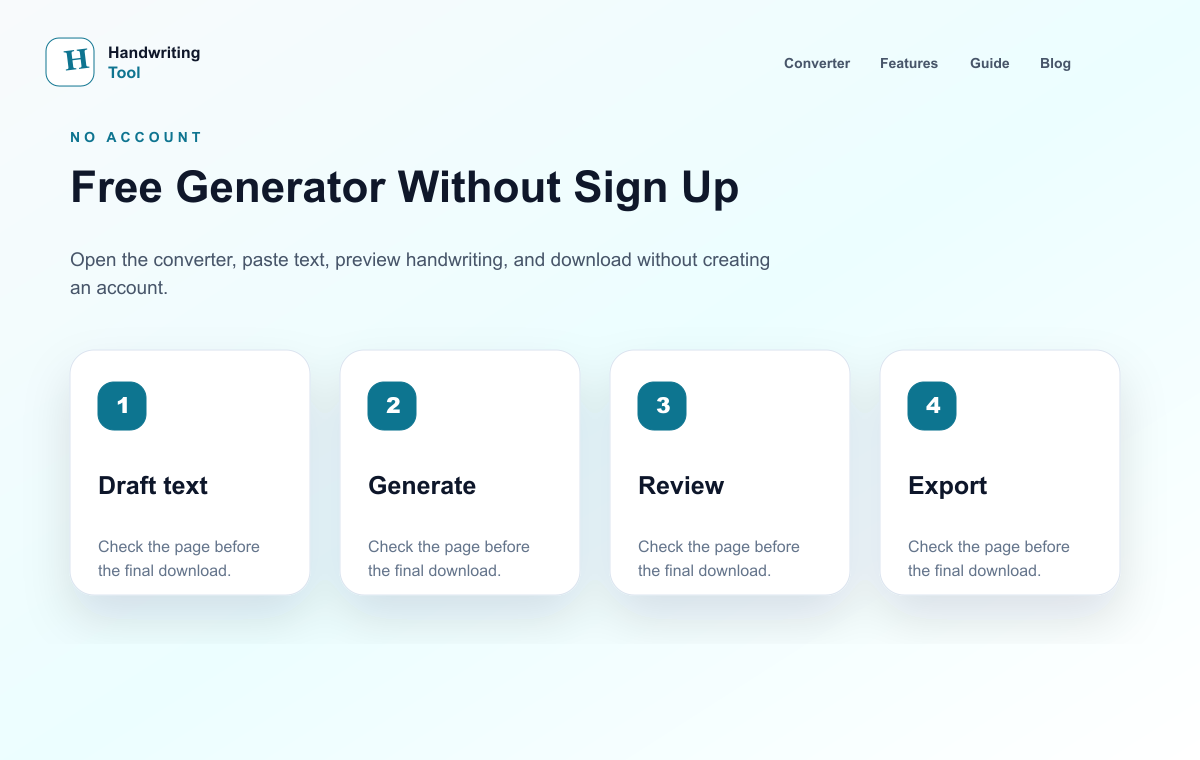
That is exactly why no-signup handwriting tools are popular with users and everyday users. You can paste your content, choose a handwriting style, preview the page, and download the result. No complicated setup. No long onboarding. No waiting.
In this guide, you will learn what to look for in a free online handwriting generator, why no-signup tools are useful, and how HandwritingTool.com helps you create handwritten pages fast.
For a wider comparison of free and paid tools, read our best text to handwriting tools 2026 guide.
What Is a Free Handwriting Generator Online?
A free handwriting generator online is a browser-based tool that turns typed text into handwritten-style output. You type or paste your content, select a handwriting font, adjust settings, and download the final page.
It is commonly used for:
- Study Pages
- Study Notes
- Study notes
- Letters
- Printable pages
- Practice sheets
- Simple handwritten documents
The best tools do more than apply a font. They also help with paper layout, spacing, margins, ink color, and export options.
Why No Sign Up Matters
No-signup tools are faster. If you only need to create one study page page or a quick handwritten note, account creation slows everything down.
No sign up is helpful because:
- You can start instantly
- There is less friction
- You do not need to remember another password
- It works well for quick tasks
- It feels simpler for users
If privacy matters to you, a browser-based workflow can also feel more comfortable because you are not forced into an account before testing the tool.
What Features Should You Look For?
For a cleaner workflow, start with how to convert text to handwriting, compare the related guide on best text to handwriting tools 2026, and use text to handwriting PDF generator when you need the next step.
Realistic Handwriting Styles
The tool should offer handwriting that looks natural and readable. A realistic handwriting generator should not make every page look like a basic font pasted on paper.
Paper Options
Lined paper is useful for schoolwork. Blank paper works for letters. Graph paper can help with math or science-style notes.
Spacing Controls
Font size, line spacing, and margins affect how natural the page looks. If the spacing is wrong, the output can look crowded or fake.
Export Options
Look for PDF, PNG, or JPG export. PDF is best for printing and study pages. PNG and JPG are useful for image-based sharing.
Mobile Support
Many users work from phones. A good handwriting generator should work on mobile without breaking the layout.
Why HandwritingTool.com Is a Strong Free Option
HandwritingTool.com is built for quick text to handwriting conversion. It lets you create handwritten-style pages in your browser and download them without a complicated process.
It is useful because it offers:
- Fast conversion
- Realistic handwriting output
- Study Page-friendly page styles
- PDF, PNG, and JPG downloads
- Simple controls
- No unnecessary complexity
If your goal is to finish schoolwork faster, read how to organize notes and study pages faster without handwriting.
How to Use a Free Handwriting Generator
Step 1: Write or Paste Your Text
Start with clean content. Remove repeated lines, fix spelling mistakes, and divide long text into short paragraphs.
Step 2: Choose a Handwriting Style
Pick a handwriting style that matches your use case. For study pages, choose simple and readable handwriting. For letters, you can use a softer or more personal style.
Step 3: Select Paper Settings
Choose lined, blank, or graph paper depending on the final page. For note pages, lined paper usually looks more natural.
Step 4: Adjust Spacing
Check font size, line height, margins, and paragraph spacing. Good spacing makes the page easier to read.
Step 5: Preview the Page
Look at the output before downloading. If it feels too crowded or too perfect, adjust the settings.
Step 6: Download the File
Download as PDF for printing or keeping pages together. Use PNG or JPG when you need an image file.
Best Uses for a No-Signup Handwriting Tool
Handwritten Study Pages
Users can prepare typed content and convert it into study pages. For more detail, see our create handwritten-style notes and worksheets online guide.
Study Notes
Typed notes can be converted into handwritten-style pages for revision, printing, or sharing.
Personal Letters
If you want a handwritten look for a personal letter, a generator can help create a clean draft or printable page.
Printable Practice Pages
Teachers or users can create examples, worksheets, or writing samples quickly.
Tips for Better Results
Do not use the fanciest font by default. Choose a handwriting style that looks normal. Keep paragraphs short. Use blue or black ink. Preview the output carefully before downloading.
For more help, read our full guide on how to make handwriting look realistic online.
Final Thoughts
A free handwriting generator online without sign up is perfect when you want speed and simplicity. You should be able to open the tool, paste your text, customize the page, and download the result without dealing with accounts or setup.
Try HandwritingTool.com if you want a fast free tool for converting typed text into handwritten pages with PDF, PNG, and JPG export options.
FAQs
Is there a free handwriting generator online without sign up?
Yes. HandwritingTool.com lets you create handwritten-style pages online without a complicated signup process.
Can I download handwritten pages as PDF?
Yes. HandwritingTool.com supports PDF export along with PNG and JPG image downloads.
What is the best free handwriting generator for users?
For users, the best option is a tool that is fast, readable, supports study pages, and exports as PDF.
Do handwriting generators work on mobile?
Yes, browser-based tools like HandwritingTool.com can be used on mobile devices.
Use the Converter Responsibly
HandwritingTool is best for readable notes, drafts, worksheets, examples, journal pages, printable resources, and document previews. Review your output carefully before printing or sharing it.