PDF
Printable Lined Paper PDF
A clean A4 notebook-style lined paper template with a margin line for notes, drafts, and practice.
Free Resources
Choose from 40+ printable presets — lined paper, graph and dot grid, and handwriting practice sheets with guided, dotted-midline rows — or download four real A4 resources: lined paper, graph paper, a handwriting practice sheet, and a visual settings guide. Customize any preset for A4 or Letter in the studio. Everything works locally in your browser and creates exact-size PDF or high-resolution PNG output.
Choose the right workflow
Templates Studio makes blank printable paper and worksheets for handwriting practice. To place typed text onto paper, use the text to handwriting converter, the lined paper handwriting tool, or the graph paper handwriting tool.
New to practice worksheets? Learn how to use handwriting practice sheets effectively before creating your first page. For ready-made kid-friendly worksheets with names, letters, and tracing pages, use the handwriting worksheet generator.
Templates Studio
Choose a real preset, adjust only the settings you need, preview one lightweight page, then download exact-size PDF or PNG output. Everything stays in this browser.
Choose a preset and adjust it. Preview shows one representative page. PDF is recommended when exact print sizing matters.
Preview renders one representative page even when the PDF contains multiple pages.
Downloads
A clean A4 notebook-style lined paper template with a margin line for notes, drafts, and practice.
A simple A4 graph paper template for math notes, lab records, formulas, and structured pages.
A printable practice sheet with guide lines for handwriting exercises, examples, and drafts.
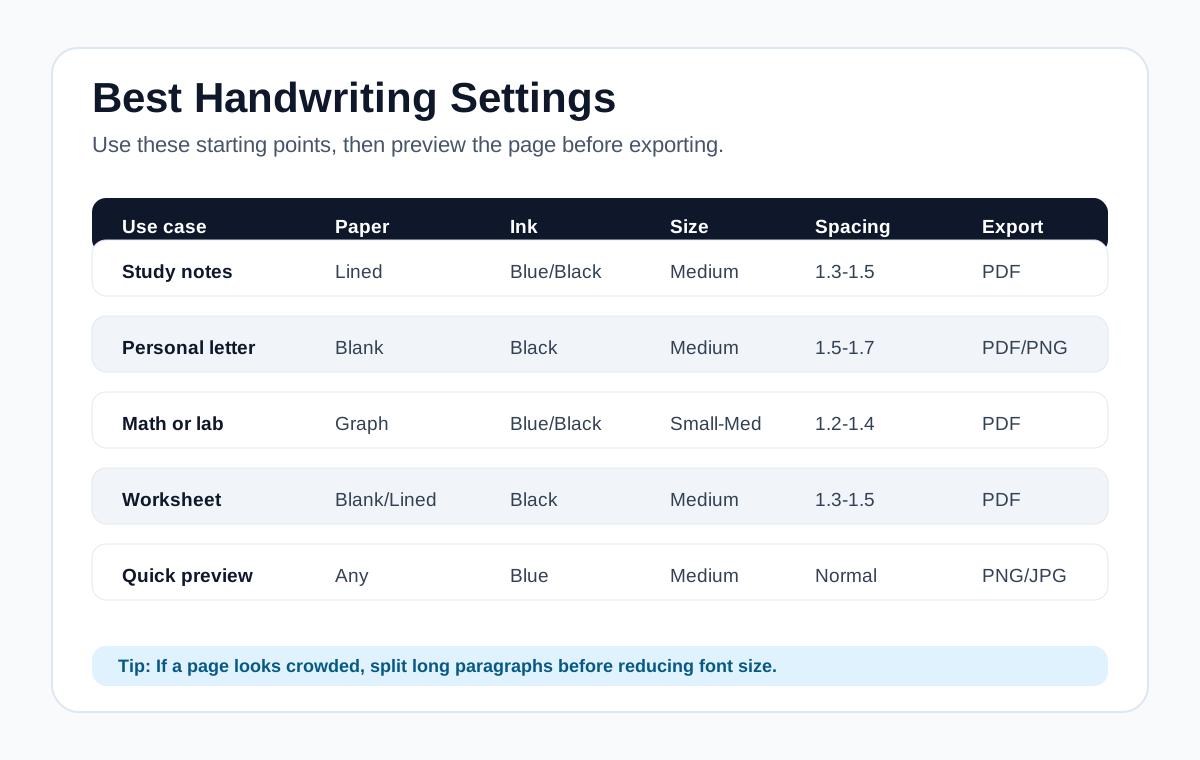
A quick visual guide for choosing paper, ink, font size, spacing, and export format.
Best Settings
These settings are starting points. After choosing them, preview the full page and adjust spacing or paragraph length before downloading.
Sample Gallery
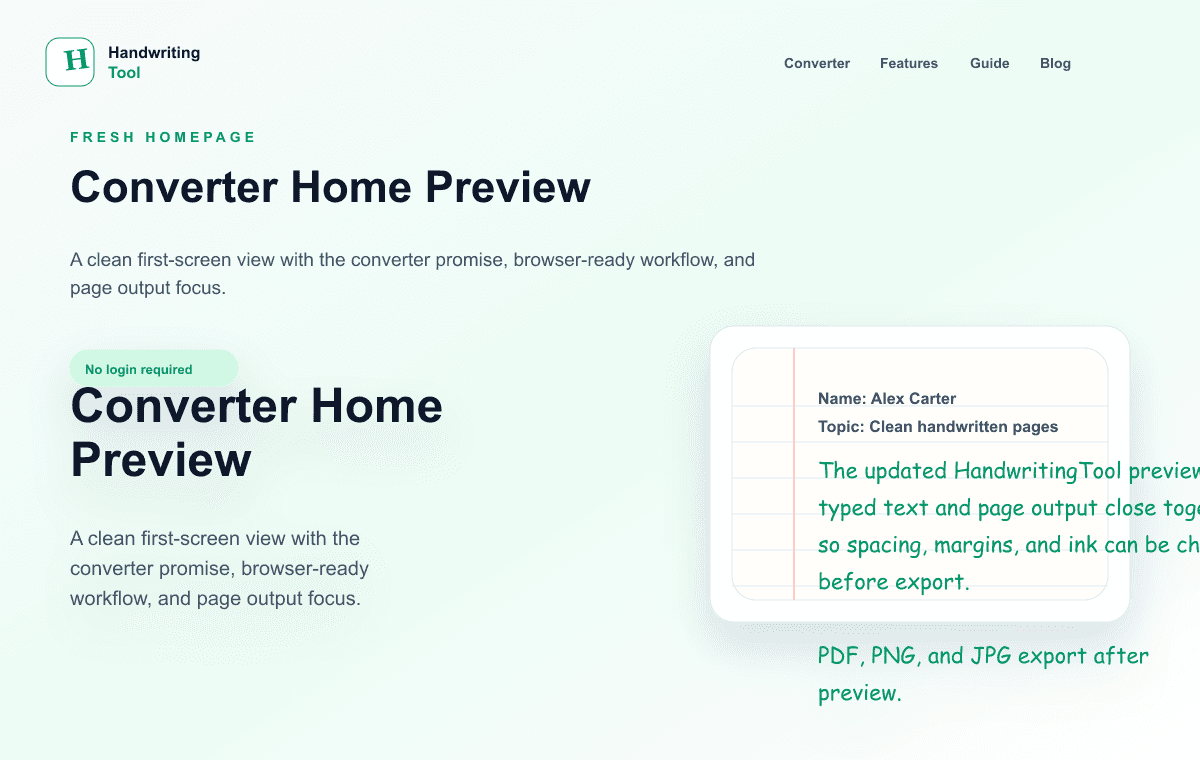
A quick look at the browser-based converter experience.
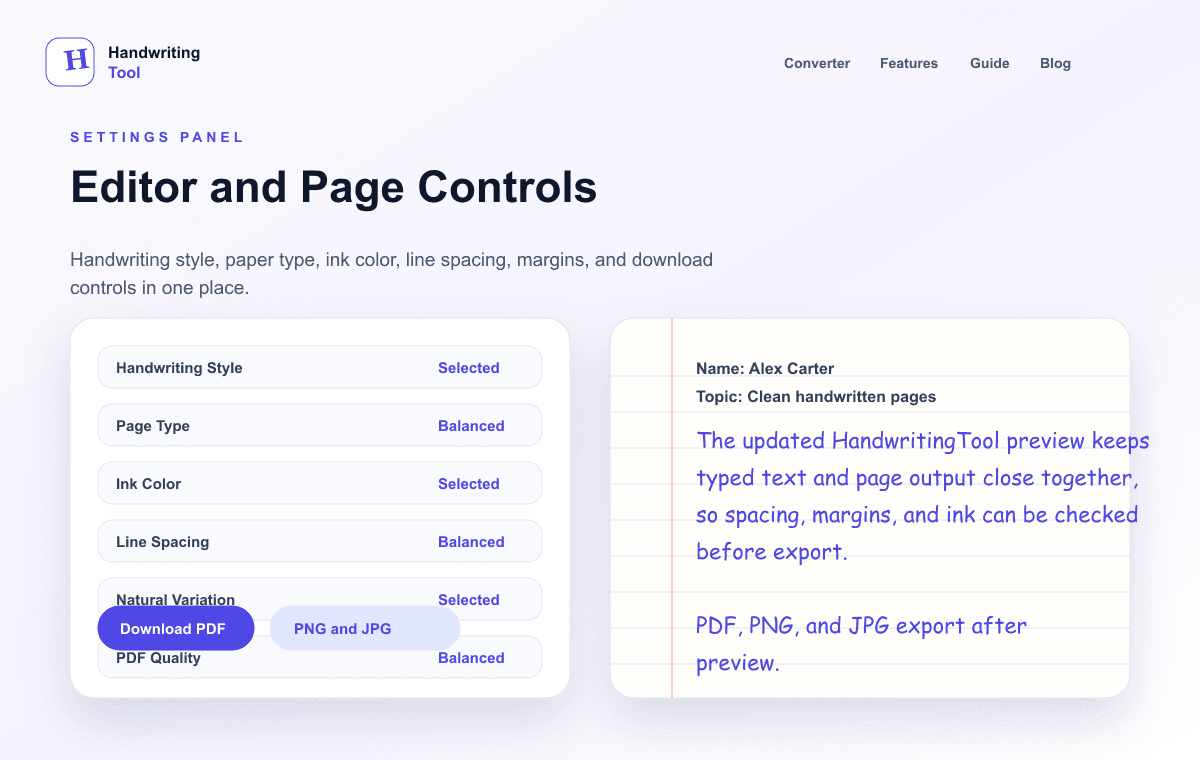
Text input, paper controls, handwriting styles, and export options.
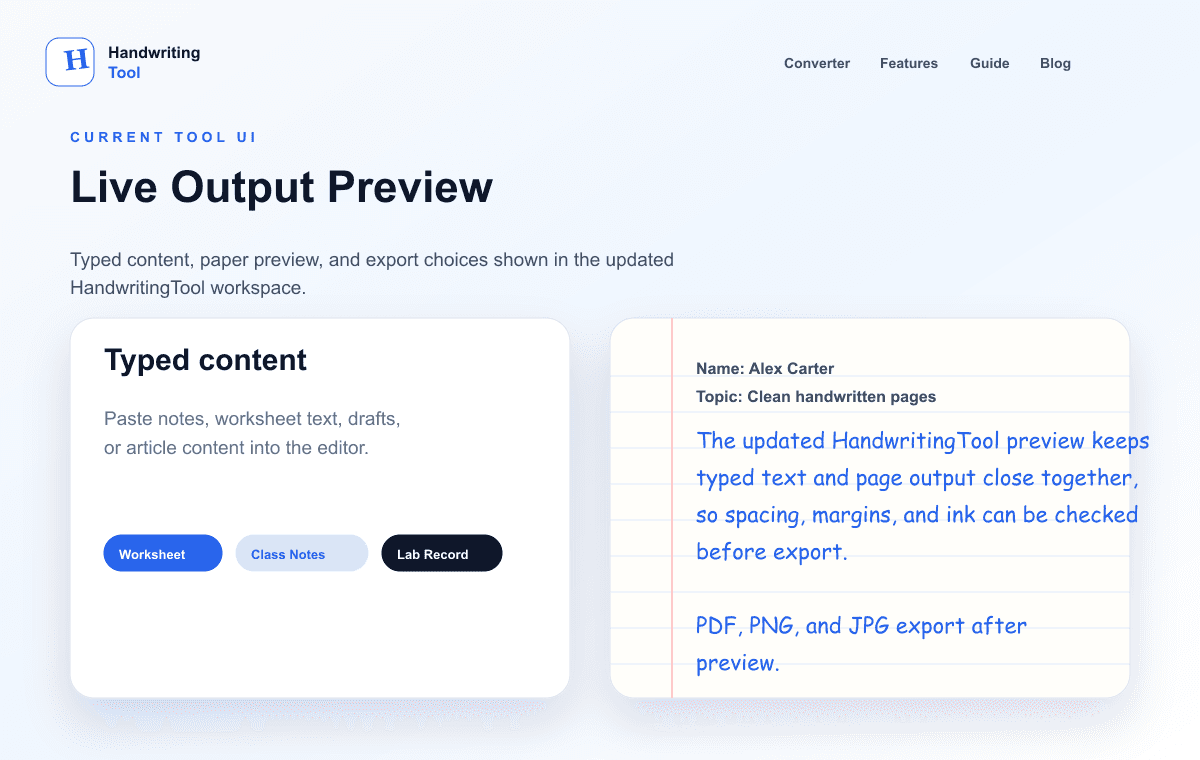
Typed text and handwritten page output shown side by side.
Next Step
Download a blank template if you want to print and write manually, or open the converter to create a handwritten-style PDF, PNG, or JPG from typed text.