Free • Private • No sign up

Free Text to Handwriting Converter Online

Type or paste text to convert text to handwriting-style pages with 10 writing styles, lined, blank, graph, or custom paper, adjustable ink and spacing, instant preview, and PDF, PNG, or JPG export.

Start Converting

Free, no sign-up, browser-local processing, with PDF and image export.

10 handwriting stylesLined, blank, graph & custom paperMulti-page PDF & image export

Handwriting Studio

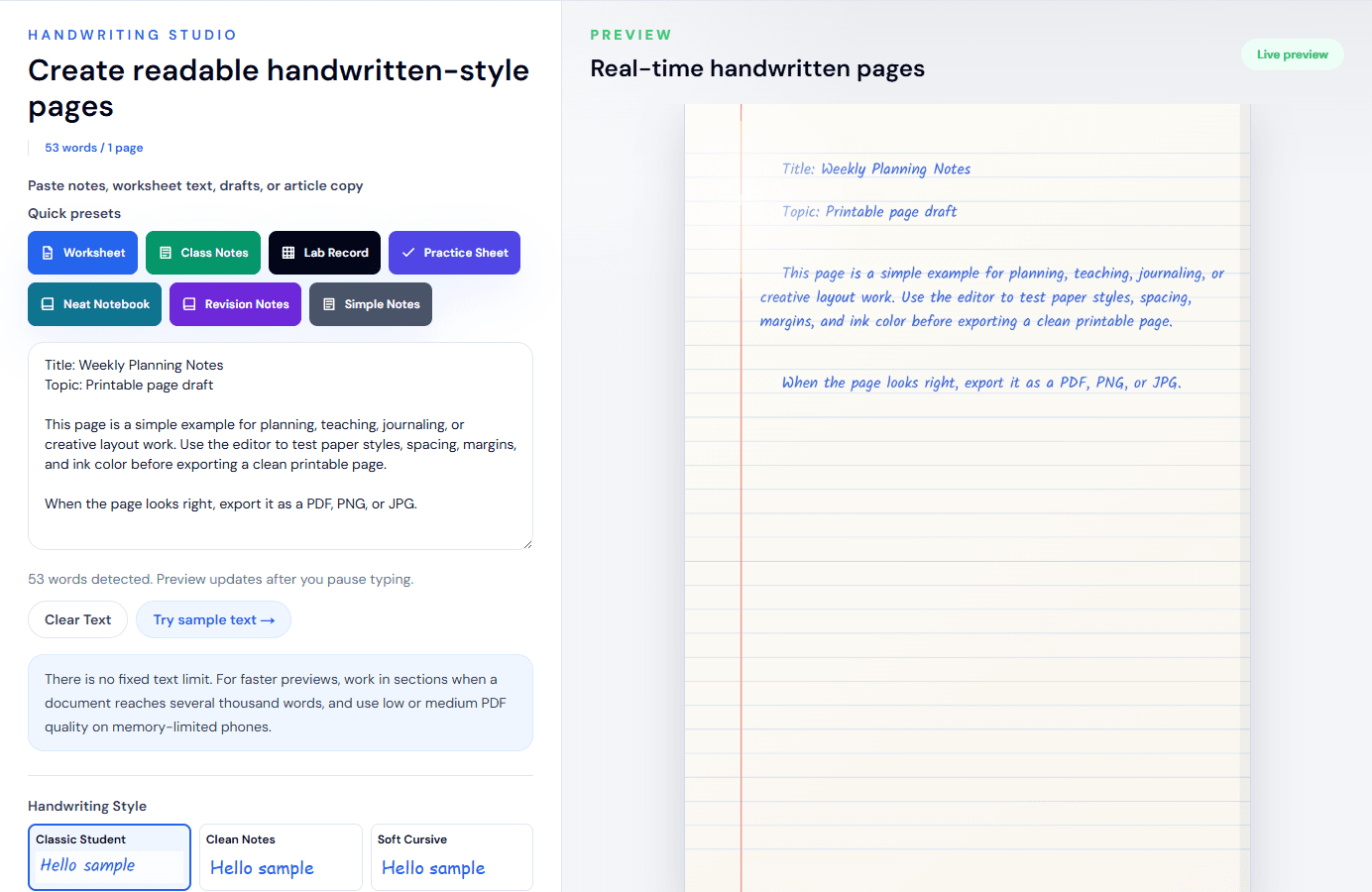
Create readable handwritten-style pages

53 words / 1 page

Quick presets

53 words detected. Preview updates after you pause typing.

There is no fixed text limit. For faster previews, work in sections when a document reaches several thousand words, and use low or medium PDF quality on memory-limited phones.

Math lines with $$Centered display lines for formulas.

Wrap any formula in double dollar signs, like $$x^2 + 2x + 1 = 0$$, and it becomes a centered display line with roomy spacing — handy for worksheets and revision notes. You can mix math with normal text: the $$...$$ part gets its own line wherever it appears in a paragraph.

Math lines are drawn in your handwriting font; this is not typeset LaTeX, so fractions, square roots, and stacked symbols will not render as textbook notation — write them in plain text (for example (a+b)/2 or sqrt(x)). Very long formulas shrink to fit the page width. Math lines work with every paper type and are included in PNG, JPG, and PDF exports.

Handwriting Style

TTF or OTF up to 5 MB. Your font is loaded in this browser only and stays available for this session. Uploaded fonts are used for the preview and are included in PNG, JPG, and PDF exports.

How to use custom fonts

Pick a .ttf or .otf file from your device and it appears above as a new style card marked “Custom”, already selected. Type as normal — the preview, PNG, JPG, and PDF exports all use your font exactly like the built-in styles.

Uploaded fonts live in this browser tab only: refresh the page and you will need to upload again. Remove a font any time with the × on its card. Only upload fonts you have the right to use — many free fonts allow personal use but restrict sharing, so check the license if you plan to distribute your exports.

If an upload fails, check the file really is a .ttf or .otf (not a renamed document) and is under 5 MB. On phones, use the system file picker rather than a cloud drive preview if the first attempt fails.

34
2444
1.55
1.22.2
1.00
0.81.6
>Advanced SettingsFine-tune margins, paper brightness, tilt, and handwriting variation.
0.38
0.050.9
165
120240
120
70180
98
90104
0.00
00.6

More formats

Export only content you created or have permission to use. Do not use generated pages to misrepresent authorship, identity, records, or assessed work. See our responsible-use guidance.

Preview

Real-time handwritten pages

Live preview

The preview contains 1 handwritten-style pages generated from the text editor. Decorative paper lines and text positioning are represented in the preview images.

Title: Weekly Planning Notes

This preview shows how your typed notes can become a readable handwritten-style page.

Adjust paper, spacing, margins, ink color, and style before exporting.

Use it for notes, worksheets, journal drafts, printables, and design previews.

Handwriting text is rendered in your browser
No login required
No account or server-side text storage

Real Output Examples

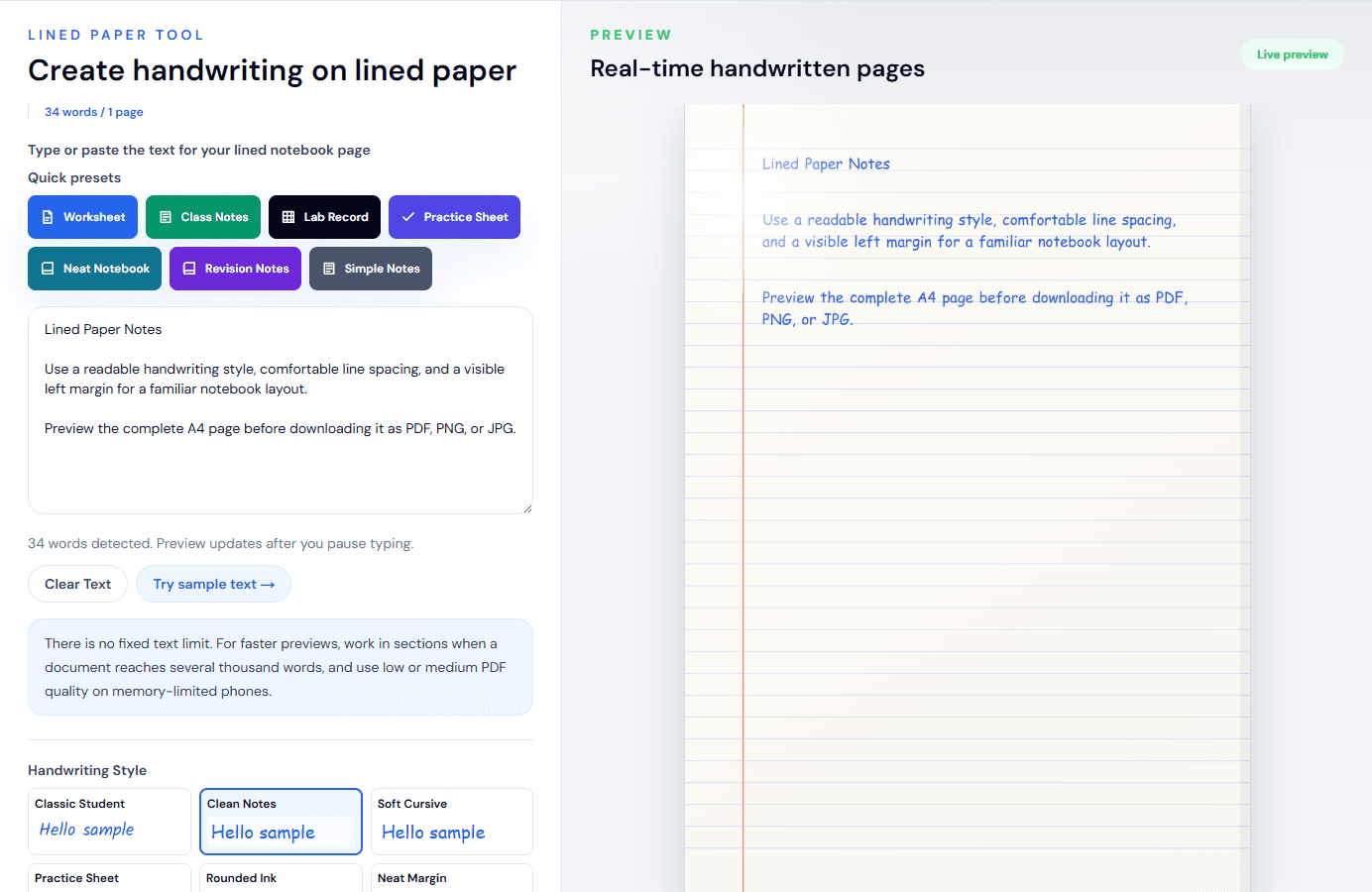
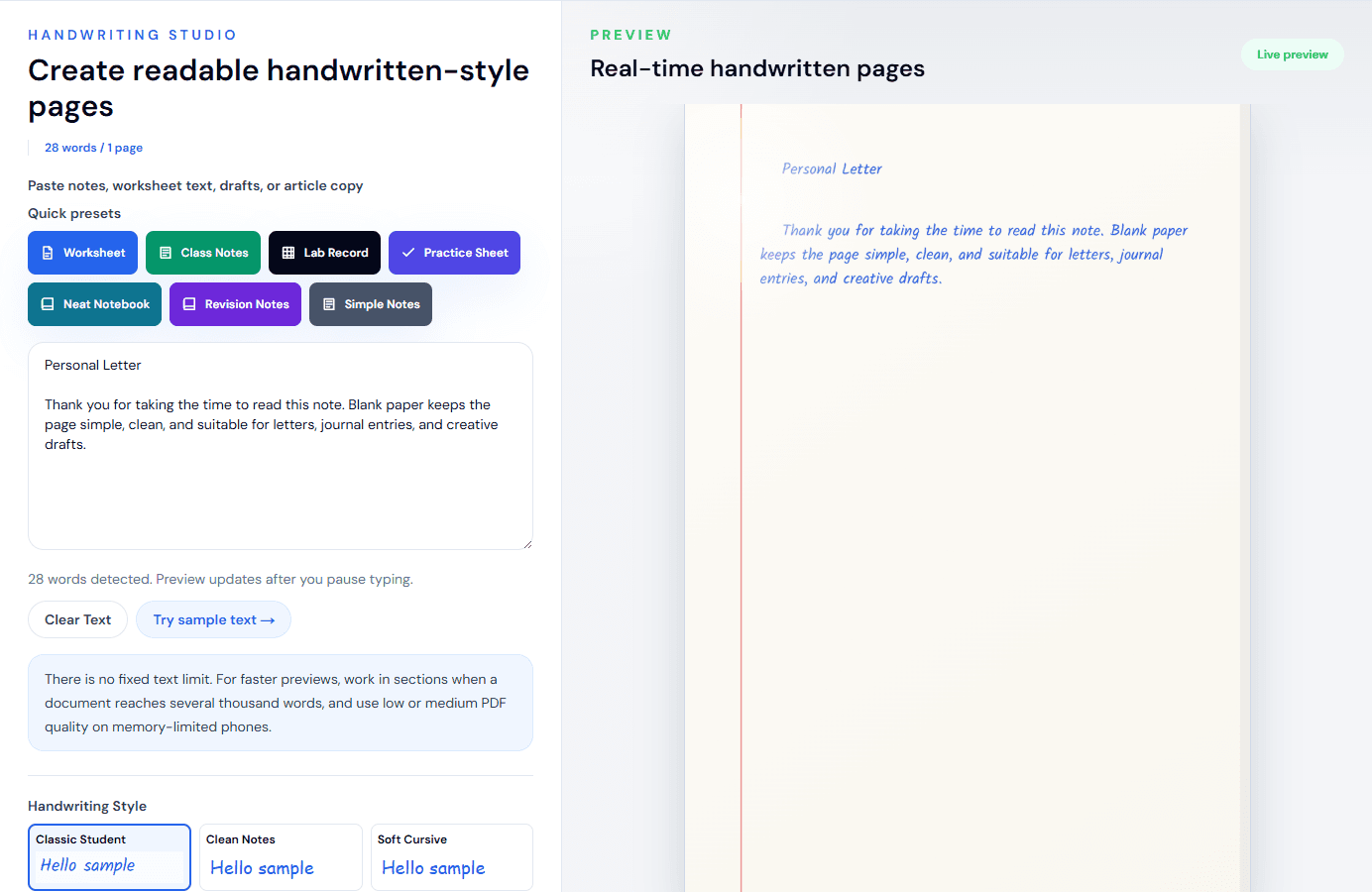
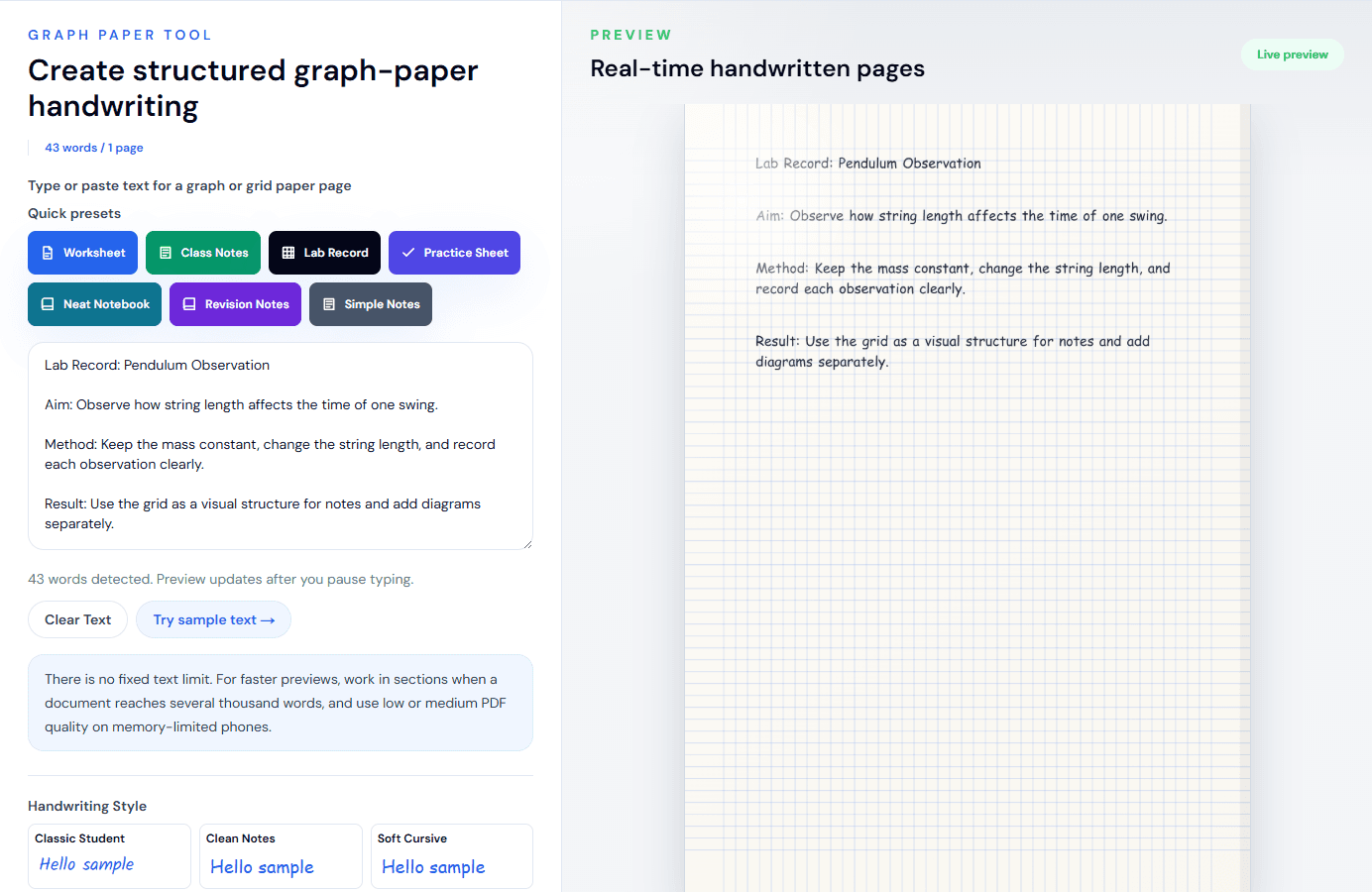
These examples show output from the current handwriting styles and page controls. Open the matching tool to create your own version and check every page before downloading.

Free Templates

Printable paper and settings guides for cleaner handwriting pages

Download lined paper, graph paper, a handwriting practice sheet, and a best settings guide. Use them for manual writing, examples, drafts, or alongside the converter.

Lined Paper PDF

Notebook-style printable page

Graph Paper PDF

Math and lab note template

Practice Sheet

Guide lines for handwriting practice

Settings Guide

Best paper, ink, size, and export choices

Quality & Page Controls

Text to Handwriting Features

Select the writing style and paper, then fine-tune spacing, margins, ink, variation, and export without leaving the live preview.

10 Handwriting Styles

Choose from 10 readable styles, with natural variation in character size, position, and angle.

Live Preview and Autosave

Preview each page as you edit, while your text and settings are saved locally for this browser and tool profile.

Flexible Paper

Use lined, blank, or graph paper, or upload a custom paper image that stays in your browser.

Ink and Page Controls

Adjust ink color, font size, line and word spacing, margins, brightness, and natural variation.

A4, Letter, and Multiple Pages

Choose A4 or Letter sizing and let longer text flow across multiple preview and export pages.

PDF, PNG, and JPG Export

Download print-sized PDF pages, sharp PNG or JPG images, or a true transparent PNG handwriting layer.

Custom Font Upload

Upload your own .ttf or .otf font (up to 5 MB) and it appears as a Custom handwriting style, included in exports.

Math Mode

Wrap formulas in $$...$$ to render them as centered handwriting-style math lines on any paper type.

What Is a Text to Handwriting Converter?

A text to handwriting converter turns typed words into complete handwriting-style pages. It does more than swap a regular font: HandwritingTool lays out the text on lined, blank, graph, or custom paper and lets you control ink, spacing, margins, page size, and natural character variation.

Longer text is paginated automatically for A4 or Letter output, while the live preview shows each generated page before you download it as PDF, PNG, or JPG. The A4 PDF uses 210 × 297 mm pages and Letter uses 8.5 × 11 inches. For source documents, use the focused Word DOCX or selectable-text PDF workflow; both place editable text into this same handwriting engine without uploading document content to the application server.

Practical Uses

Ways to Use the Handwriting Converter

Handwritten notes

Turn your own typed notes into readable pages for review or printing.

Printable study pages

Arrange summaries and revision prompts on lined, blank, or graph paper.

Classroom examples

Prepare teacher-created examples, prompts, and demonstration pages.

Journal pages

Format personal reflections and creative drafts with adjustable paper and ink.

Letters

Create a handwritten-style layout for personal correspondence you are permitted to use.

Design previews

Test handwritten-style copy in mockups without claiming it was written by hand.

Focused Tools

Related Handwriting Tools

Each focused workspace opens the same converter with suitable starter text and page settings already selected.

Text to Handwriting Guide

Convert Your Text in Three Steps

Paste your text, choose the handwriting and page settings, then check every generated page before downloading a PDF, PNG, or JPG.

  1. 1

    Type or paste text

    Write directly or paste text copied from Word, Google Docs, or another editor.

  2. 2

    Customize handwriting and paper

    Choose a handwriting style, paper, ink, spacing, margins, and page size.

  3. 3

    Preview and download

    Review every page, then download PDF, PNG, or JPG output.

Helpful details before you start

  • Choose A4 or Letter to match your intended print size.
  • Use PDF for multi-page documents and PNG for a sharp single page.
  • Your handwriting text is rendered in the browser without an account.
  • Review names, symbols, and page breaks before printing or sharing.

FAQ

Frequently Asked Questions

What is a text to handwriting converter?

It turns typed or pasted text into handwriting-style pages with controls for writing style, paper, ink, spacing, margins, and downloadable output.

Is the text to handwriting converter free?

Yes. The converter is free to use without creating an account.

Can I convert typed text to handwriting online?

Yes. Type directly or paste text into the main editor, or use the Word converter guide to upload a modern DOCX file and customize the handwritten page.

Can I download handwriting as a PDF?

Yes. Download the current page or all generated pages as a physically sized A4 or Letter PDF. PNG and JPG image export are also available.

Can I export handwriting with a transparent background?

Yes. Enable Transparent PNG background before downloading PNG. Transparency is not offered for JPG, and normal paper remains in PDF output.

Can I use custom paper?

Yes. Select Custom Paper and upload a PNG, JPG, or WebP image up to 8 MB. The image is processed locally and must be selected again after a refresh.

Can I use my own handwriting font?

Yes. Upload a .ttf or .otf font file (up to 5 MB) and it appears as a Custom style on the style cards. Your uploaded font is used in the live preview and is included when you export PDF, PNG, or JPG.

Can I write math formulas in handwriting style?

Yes. Wrap a formula in double dollar signs, like $$E = mc^2$$, and it renders as a centered handwriting-style math line. Math lines work on every paper type and are included in exports. This is plain-text formula rendering, not LaTeX typesetting.

Does HandwritingTool save my text?

The converter autosaves your text and editable settings in this browser using profile-specific local storage. Preview images, uploaded paper files, and source PDFs are not saved there.

Can I convert a PDF to handwriting?

Yes. The dedicated tool can import selectable text from a text-based PDF and place it in the handwriting editor. Scanned PDFs still require OCR, which is not supported yet. Open the PDF to handwriting converter

For Parents & Teachers

Practice worksheets for kids

Build printable tracing and practice worksheets with custom names, letters, and spelling words — free, no account needed. Pairs well with our cursive teaching guide and the weekly practice schedule for kids.

Create Worksheets

Learning Center

Guides for notes, worksheets, and printable page workflows

Read practical articles about text to handwriting conversion, responsible formatting, productivity tools, and exporting clean PDF pages for personal, teaching, and creative use.

Read Blog Guides