May 2, 2026
Written and edited by Anwar
Anwar founded HandwritingTool and edits the site's guides on handwriting conversion, page layout, printable documents, and writing workflows.
Updated June 8, 2026. Each guide is reviewed for clarity, practical usefulness, and responsible page-creation workflows.
Handwritten Text Generator: What It Is and How It Works
A handwritten text generator turns typed text into handwriting-style output. You write or paste digital text, choose a handwriting style, adjust the page settings, preview the result, and export the final output as a PDF or image.
The phrase sounds simple, but a useful handwritten text generator does more than change the font. It creates a full page experience: handwriting shape, paper background, margins, line spacing, word spacing, ink color, and export quality. These details help typed content feel warmer and more human while still keeping the speed and editability of digital writing.
Professionals and creatives use handwritten text generators for many different reasons. Writers can create fictional notes, draft pages, poetry visuals, or character letters. Teachers can build worksheet examples and classroom visuals. Designers can test handwritten labels, packaging notes, stationery, cards, and social graphics. Content creators can make quote pages, newsletter inserts, digital downloads, and handwritten-style visuals.
If your main goal is a full page workflow, also read create handwritten pages online free. If your final file should be a document, see the text to handwriting PDF generator guide. For realism, use the realistic handwriting checklist.
What Is a Handwritten Text Generator?
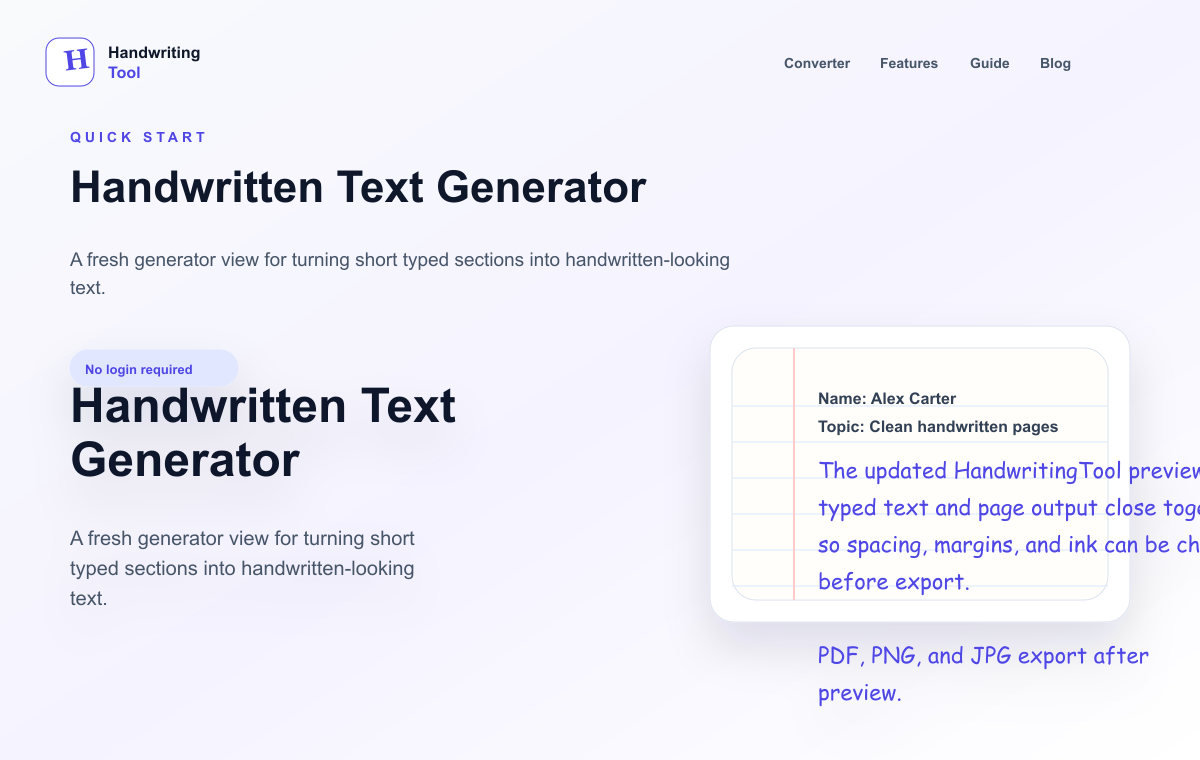
A handwritten text generator is an online tool that renders typed words in a handwriting-style format. It takes plain text and turns it into visual output that resembles pen-on-paper writing.
Some tools only show a line of text in a handwriting font. More complete tools create full pages with paper backgrounds, margins, spacing controls, and export options. That difference matters. A short decorative phrase might only need a font. A note, document, worksheet, card draft, or printable page needs layout controls.
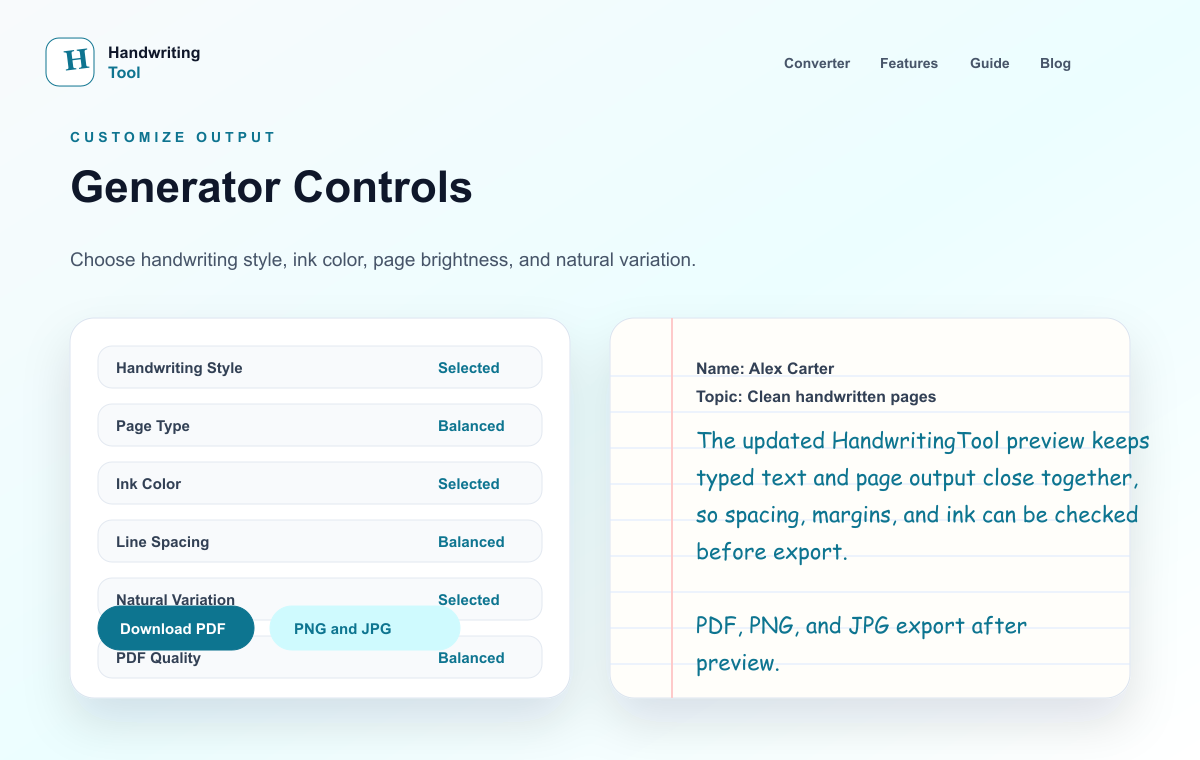
A good handwritten text generator usually includes:
- Multiple handwriting styles
- Paper options such as lined, blank, or graph paper
- Ink color controls
- Font size controls
- Line and word spacing
- Page margins
- Live preview
- PDF, PNG, or JPG export
The result should be readable first. A page can look stylish, but if people struggle to read it, the generator has not solved the real problem.
How a Handwritten Text Generator Works Technically
Most handwritten text generators follow a similar technical process. The exact implementation differs by tool, but the core workflow is easy to understand.
1. Text Input
The user enters typed text into a text box. The tool stores that text temporarily in the browser or editor state so it can be rendered into a page preview.
2. Style Selection
The tool applies a handwriting style. This may be a handwriting font, a set of prebuilt letterforms, or a more advanced model that changes letter shape and spacing. Some tools use static fonts. Others introduce variation so repeated letters do not look exactly identical.
3. Layout Calculation
The generator calculates how the text fits on the page. It considers page size, margins, line height, font size, word spacing, and paper background. Long text may flow across multiple pages.
4. Page Rendering
The tool renders the text onto a visual page. In web-based tools, this often means drawing styled text into an HTML preview, canvas, SVG, or a printable document layer. The goal is to make the page preview match the final export.
5. Export
When the user downloads the page, the tool converts the rendered output into PDF, PNG, or JPG. PDF is best for documents and printing. PNG is best for sharp image output. JPG is useful for smaller files.
The technical challenge is consistency. The preview should look like the download. Text should not shift, crop, blur, or overflow when exported.
Handwritten Text Generator vs Handwriting Font
A handwriting font changes letter appearance. A handwritten text generator creates an output workflow.
| Feature | Handwriting Font | Handwritten Text Generator | | --- | --- | --- | | Letter style | Yes | Yes | | Paper background | Usually manual | Built in | | Margins | Manual | Adjustable | | Line spacing | Depends on editor | Adjustable | | Preview | Depends on app | Usually built in | | Export | Depends on app | PDF, PNG, or JPG | | Best for | Short phrases and design labels | Notes, pages, documents, and visuals |
Use a font if you only need a short label inside a design app. Use a generator if you want a complete handwritten-style page.
Professional and Creative Use Cases
Writers
Writers can use handwritten text generators for fictional letters, character notes, poetry pages, scene props, and printable writing prompts. Seeing a passage in handwritten form can also change how the tone feels during revision.
Teachers
Teachers can create example notes, worksheet snippets, warm-up questions, classroom display text, and printable explanation pages. Handwritten-style formatting can make a resource feel approachable while keeping the content easy to edit.
Designers
Designers can test handwritten copy in packaging mockups, stationery concepts, greeting cards, posters, mood boards, product labels, and social graphics. A generator helps test the look before committing to final lettering or custom artwork.
Content Creators
Content creators can make quote graphics, carousel slides, thumbnail elements, newsletter inserts, and digital downloads. Handwritten-style text can soften a visual and make educational or personal content feel more direct.
Journal Keepers
Journal keepers can draft reflections, gratitude lists, prompts, habit notes, and planning pages digitally, then export them in a handwritten-style format for printing or archiving.
Best Settings for Handwritten Text
The best settings depend on the final use, but these starting points work well:
| Use Case | Paper | Ink | Size | Spacing | Export | | --- | --- | --- | --- | --- | --- | | Fictional note | Blank or lined | Blue or black | Medium | Open | PNG or PDF | | Teacher worksheet | Blank or lined | Black | Medium-large | Open | PDF | | Recipe card | Blank | Black | Medium | Normal | PNG or PDF | | Journal page | Lined or blank | Blue | Medium | Slightly open | PDF | | Social graphic | Blank | Black or custom | Large | Open | PNG | | Design mockup | Blank | Black | Depends on layout | Normal | PNG |
Keep settings moderate. Very decorative fonts, tiny sizes, and crowded spacing often make output less realistic.
Common Mistakes to Avoid
The most common mistake is using a style that is too decorative for the amount of text. A dramatic cursive style may look nice in a heading, but it can be hard to read across a full page.
Another mistake is ignoring page layout. Handwriting needs margins, comfortable line spacing, and paragraph breaks. Without those, even a good font can look artificial.
A third mistake is exporting too quickly. Always preview the page at the size people will actually see it. If the output will be printed, check it like a full page. If it will be used on social media, check it at thumbnail size too.
FAQ
What does a handwritten text generator do?
It converts typed text into handwriting-style output using handwriting styles, page settings, paper backgrounds, spacing controls, and export options.
Is a handwritten text generator the same as a handwriting font?
No. A handwriting font only changes letter style. A generator usually controls the full page, including paper, margins, spacing, preview, and export.
Which export format should I use?
Use PDF for printing and documents, PNG for sharp images and design assets, and JPG for smaller files or quick sharing.
Can professionals use handwritten text generators?
Yes. Writers, teachers, designers, content creators, and journal keepers use them for drafts, worksheets, mockups, visuals, documents, and printable pages.
How do I make generated handwriting look natural?
Use readable handwriting, medium font size, natural spacing, proper margins, blue or black ink for most pages, and a paper style that matches the content.
Final Thoughts
A handwritten text generator is useful because it combines digital editing with the visual warmth of handwriting. You can prepare the words quickly, preview the page, adjust the design, and export the result in a format that fits your work.
The best results come from clean source text, readable handwriting styles, balanced spacing, suitable paper, and careful export choices. When those parts work together, typed content can become a polished handwritten-style page for creative and professional use.
Try the free handwritten text generator and create a realistic handwritten page in minutes.
Use the Converter Responsibly
HandwritingTool is best for readable notes, drafts, worksheets, examples, journal pages, printable resources, and document previews. Review your output carefully before printing or sharing it.