Notes & Study • May 3, 2026
Written by Anwar Fakhri
Anwar Fakhri founded and maintains HandwritingTool, and writes and edits its practical guides about handwriting conversion, page layout, printable documents, and responsible writing workflows.
Updated August 29, 2026. Each guide is reviewed for clarity, practical usefulness, and responsible page-creation workflows.
Handwritten Notes Generator for Study and Revision Pages
A handwritten notes generator turns organized typed notes into handwritten-style pages. The best workflow combines the speed of digital editing with a readable notebook layout: clear headings, short revision blocks, sensible spacing, lined paper, and a stable PDF for printing.
The dedicated handwritten notes generator is the workspace for creating and exporting notes. It does not summarize a lecture, identify key facts, or automatically restructure a document with AI. You prepare and organize the notes first; the tool adds optional title, subject, and date fields before rendering that text as handwritten-style pages.
What a Handwritten Notes Generator Does
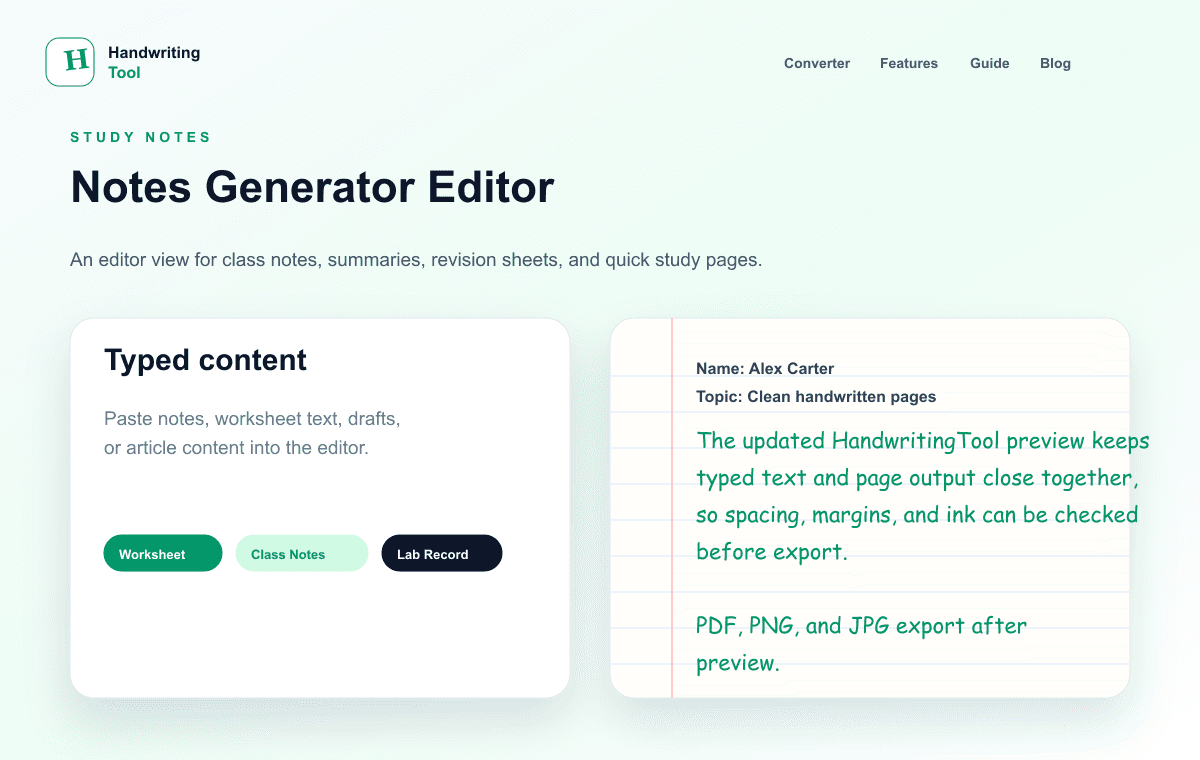
The converter accepts typed or pasted text, applies a selected handwriting style, lays the content out on a page, and exports the rendered pages as PDF, PNG, or JPG. For notes, the goal is not decoration. The goal is a page that is easy to scan, print, annotate, and revisit during revision.
This workflow works well for:
- Lecture and classroom notes
- Chapter revision summaries
- Definitions and vocabulary
- Timelines and short-answer outlines
- Formula notes written as plain text
- Topic checklists and quick recaps
It is less suitable for unedited textbook chapters, complex equations, diagrams, or scanned notes. Summarize and structure dense source material before conversion, and add diagrams separately when needed.
Typed Notes and Handwritten-Style Notes Serve Different Stages
Typed notes are strongest while you are collecting and editing information. Handwritten-style pages are most useful after the content is accurate and ready to review.
| Study stage | Typed notes | Handwritten-style pages | | --- | --- | --- | | Collecting information | Fast to capture and rearrange | Usually premature | | Editing | Easy to correct and condense | Regenerate after changes | | Revision | Searchable but sometimes visually dense | Familiar notebook-style reading | | Printing | Needs deliberate formatting | Ready when page settings are correct | | Annotation | Digital comments and highlights | Room for marks after printing |
Type first, verify the facts, reduce the material to what you need, and then create the final note pages.
Structure Notes Before Converting
A converter cannot turn an unstructured chapter into good study notes by itself. Prepare a small revision hierarchy:
- Topic heading — one clear subject for the page.
- Key points — three to seven concise facts or steps.
- Definition or formula — only what needs deliberate recall.
- Short example — enough context to make the point usable.
- Quick recap — a final question, checklist, or summary.
Use plain-text headings and short lines. The current renderer does not interpret Markdown, preserve rich formatting from Word, or automatically make a heading bold. A short heading followed by a blank line still creates useful visual separation.
Example source structure
Photosynthesis — Quick Revision

Main idea:
Plants convert light energy into chemical energy.

Inputs:
Carbon dioxide, water, and light.

Output:
Glucose and oxygen.

Check:
Where does the light-dependent stage occur?
This source is easier to render and revise than a copied textbook paragraph containing the same facts.
Step-by-Step Handwritten Notes Workflow
1. Clean the source notes
Remove slide numbers, repeated headers, copied footers, extra spaces, and references that do not help revision. Confirm spellings, dates, formulas, and definitions before styling the page.
If notes come from a modern Word .docx, use the Word-to-handwriting workflow to extract and clean editable text. Copy and paste remains useful for Google Docs or legacy .doc files. For a text-based PDF, use the PDF to handwriting converter to select and extract pages in the browser.
2. Divide the material by task
Keep one major topic or revision task per section. Useful labels include “Key Terms,” “Main Causes,” “Example,” “Formula Notes,” and “Practice Questions.” Blank lines between sections make the generated page easier to scan.
3. Open the main converter
Paste the cleaned notes into the dedicated notes editor. Check the word and estimated-page count before making visual adjustments. Long documents may render slowly on a phone or older computer, so split them by chapter or topic when practical.
4. Choose a readable handwriting style
For study notes, clear print-like handwriting is usually better than decorative cursive. Choose a style with distinct letters, moderate stroke weight, and a steady baseline. A page that looks impressive but slows reading is poor revision material.
5. Select A4 and the right paper
A4 is a practical default for printable revision notes in regions that use 210 × 297 mm paper. Select Letter instead when that matches the intended printer or binder.
- Lined paper is the best general choice for class notes and paragraphs.
- Blank paper works for uncluttered one-page summaries.
- Graph paper can support plain-text formula notes, lab records, and structured comparisons, but it does not typeset mathematics automatically.
Use the A4 settings guide for page-size and test-print details, and the lined-paper guide for ruled-page alignment.
6. Adjust spacing, margins, and ink
Start with medium font size, natural word spacing, and slightly open line spacing. Leave side margins wide enough for a printed annotation or highlight mark. Blue ink gives a familiar notebook feel; black usually produces stronger contrast on basic printers.
| Setting | Recommended starting point | Why | | --- | --- | --- | | Page | A4 or the printer’s actual paper size | Avoids unexpected scaling | | Paper | Lined | Supports paragraph flow | | Font size | Medium | Balances capacity and readability | | Line spacing | Normal to slightly open | Prevents dense revision pages | | Word spacing | Natural | Avoids stretched text | | Margins | Normal or wider | Leaves calm edges and annotation room | | Ink | Blue or black | Familiar and printable | | Variation | Low to moderate | Adds movement without hurting clarity |
7. Preview every page
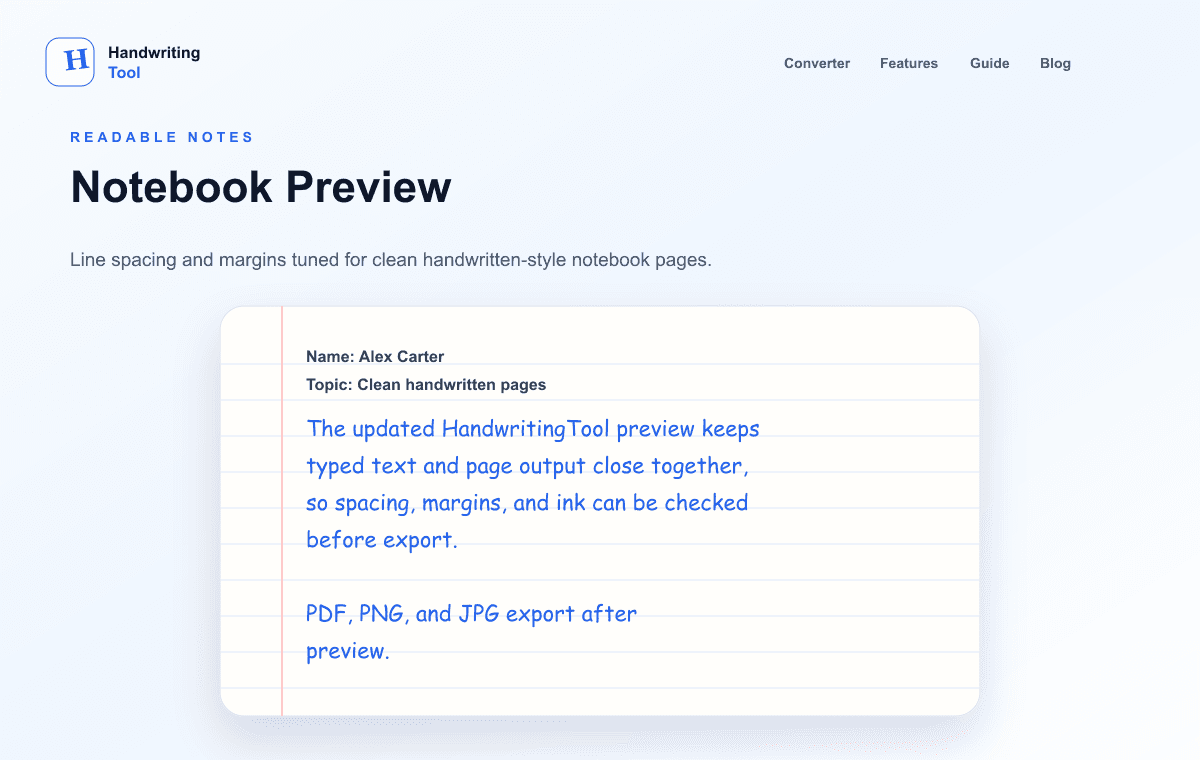
Check whether headings start in sensible positions, sections have enough separation, and no text sits too close to an edge. If a page is crowded, shorten the source or allow another page before making the handwriting too small.
The realistic handwriting settings guide explains how baseline, variation, ink, and spacing work together.
8. Export and test the PDF
PDF is usually best for multi-page notes because it keeps pages together and preserves the selected dimensions. PNG is useful for a single sharp page in a presentation or digital notebook; JPG is convenient when file size matters more than maximum detail.
Open the exported PDF and review every page. For a large revision set, print one test page at actual size before printing the full file. The PDF export guide covers quality and troubleshooting.
Note Formats That Work Well
Classroom and lecture notes
Use a short title, date or topic label, and a few compact sections. Remove conversational filler from the lecture and keep the explanation you need to understand the idea later.
Revision summaries
Give one page a single revision objective. Use key points, one example, and a recap question. Leaving some white space is more useful than forcing every fact onto the same sheet.
Vocabulary and definitions
Place one term and a concise definition on each short line or pair of lines. Lined paper and moderate word spacing support fast scanning.
History and process notes
Use a chronological list with brief causes, events, and effects. The renderer handles plain text; it does not build an interactive timeline.
Formula and lab notes
Graph paper can provide structure, but mathematical notation and diagrams may need a separate workflow. Verify every symbol in the preview because glyph support varies by style.
Make Printed Notes Easier to Read
- Use concise headings instead of decorative title text.
- Keep paragraphs short and place a blank line between major topics.
- Use darker blue or black when the printer has weak contrast.
- Leave enough margin for stars, questions, or highlights after printing.
- Export topic-sized PDFs instead of one very large file.
- Print at actual size first; only use “fit to page” when the paper size requires it.
Handwritten styling does not guarantee stronger memory. Active recall, spaced repetition, practice questions, and accurate source material matter more than the visual format. Use the page as part of a real study method.
Common Problems
Notes look like copied paragraphs
Return to the source and summarize it. The converter changes presentation, not information structure.
Headings do not stand out
Keep them short, add a blank line before and after, or create a separate title line. The tool does not automatically detect semantic headings.
The page looks fake or crowded
Use a simpler style, medium font size, slightly open line spacing, normal margins, and low-to-moderate variation. Do not pack every line.
A long document is slow to render or export
Split notes by topic, lower PDF quality, or export fewer pages at a time. Large canvases can exceed available browser memory.
Word, Google Docs, or PDF formatting disappears
That is expected. The current tool accepts plain text and applies its own page layout. Rebuild only the headings and section breaks needed for revision.
Current Limitations
The dedicated notes workspace does not currently provide:
- AI summarization or automatic note generation
- Automatic document structuring or heading detection
- Direct DOCX upload inside the notes workspace; use the separate Word-to-handwriting workflow
- OCR for scanned PDF or image uploads
- Diagram or equation interpretation
- Generation based on your own handwriting
If you need any of those tasks, complete them in an appropriate editor first and bring only the final plain text into the converter.
Privacy and Responsible Use
Handwriting text is rendered in the browser and is not sent to a HandwritingTool application server for conversion or storage. Analytics, hosting, security, and other third-party services may still process technical or usage information as described in the privacy policy.
Use generated pages for personal revision, your own class notes, authorized teaching material, examples, and drafts. Do not use them to misrepresent authorship or evade assessment rules. Review the responsible-use policy when the page will be submitted, shared, or assessed.
Frequently Asked Questions
Can I turn typed study notes into handwriting?
Yes. Organize the text, paste it into the main converter, choose a readable style and paper layout, preview every page, and export the result.
Does the tool summarize my notes automatically?
No. The current site renders the text you provide. You must select, verify, and structure the study content yourself.
What paper is best for revision notes?
Lined paper is the strongest general choice. Blank paper works for clean summaries, while graph paper can support structured plain-text formula or lab notes.
Should I use A4 or Letter?
Use the size that matches your printer, binder, or required document. A4 is common internationally; Letter is common in North America.
Is blue or black ink better?
Blue feels familiar for notebook notes. Black generally provides stronger print contrast. Test one page if the final result will be printed.
Which export format should I choose?
Use PDF for multi-page printing, PNG for a sharp single-page image, and JPG when a smaller image file is more convenient.
Can I upload a Word document or PDF?
No. Copy or extract the plain text, clean it, and paste it into the converter.
Continue the Workflow
Open the handwritten notes generator, then use the A4 page guide, lined-paper guide, realism checklist, or PDF export guide when that is the next decision in your note workflow.
Use the Converter Responsibly
HandwritingTool is best for readable notes, drafts, worksheets, examples, journal pages, printable resources, and document previews. Review your output carefully before printing or sharing it.